
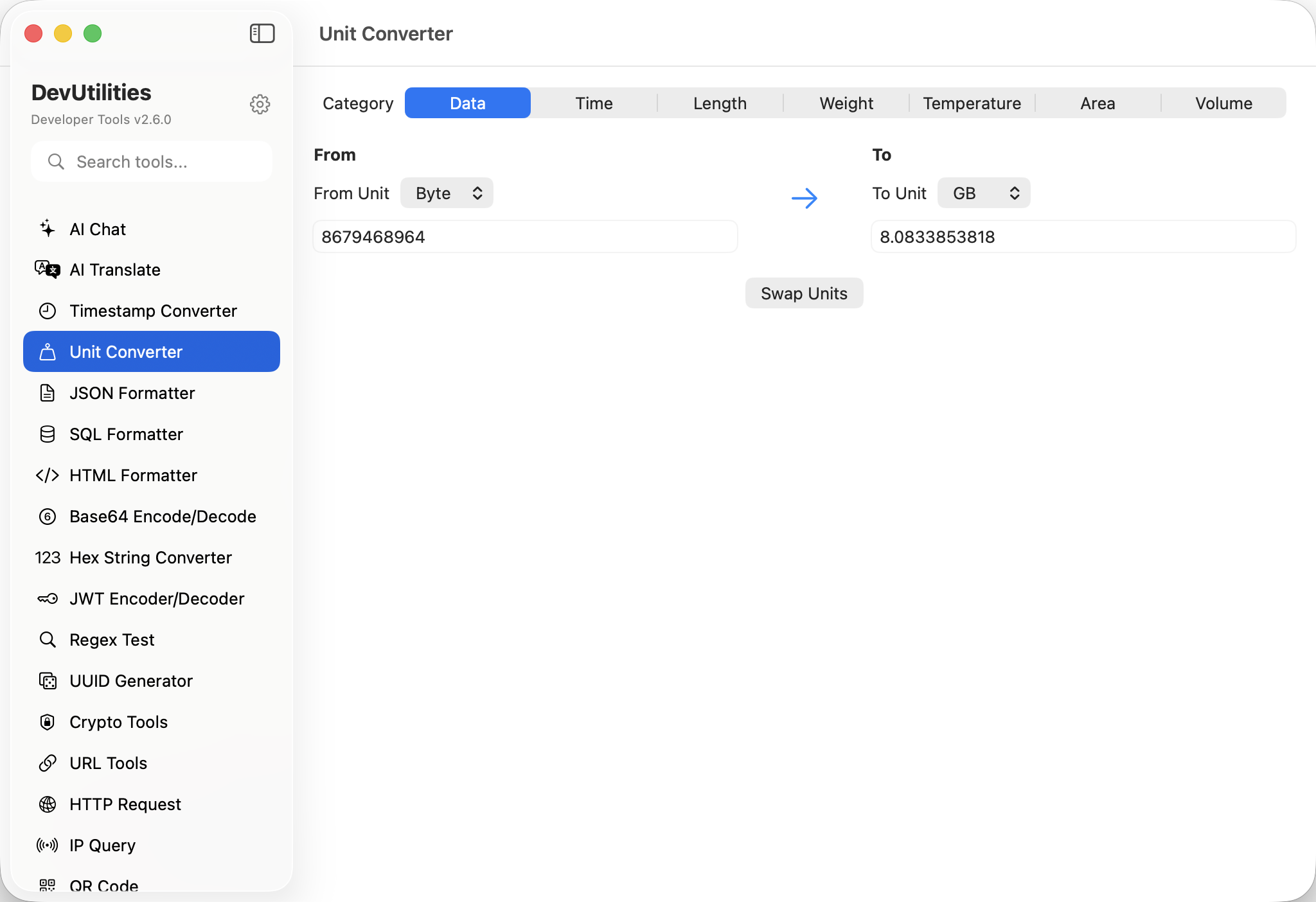
Six things, all of them obvious.
Data units
Bits, bytes, KB / MB / GB / TB / PB. Both decimal (1000-based) and binary (1024-based) variants.
Time units
Nanoseconds through years, with a few stops in between. Same panel, same precision.
Length, weight, area, volume
Metric and imperial together. Centimetres next to inches, grams next to ounces — no mental translation.
Temperature
Celsius, Fahrenheit, Kelvin, Rankine. The non-linear ones — they're not a multiplication — handled correctly.
Real-time conversion
Type, see results instantly. No "convert" button; the output updates as you key the input.
Copy any field
Every output has a copy button. Clipboard contents are the value alone, ready to paste into a config or test.
Four moves from question to answer.
Pick a category
Data, time, length, weight, temperature, area, or volume. Switch from the sidebar.
Type a value
Enter a number in any unit. Every other unit in the category updates simultaneously.
Compare
SI and imperial sit next to each other. Spot the answer instantly without converting in your head.
Copy
One-click copy on any field. Paste straight into a Slack thread, a doc, or a unit test.
The work it actually does.
Disk & network sizes
How big is 4 GB really? Translate between marketing GB and binary GiB without the napkin math.
Cron and SLA budgets
Convert "5 minutes" into milliseconds, or seconds-since-epoch, when defining schedules and timeouts.
Spec sheets
Verify weights and sizes when ordering devices for a fleet — millimetres for the chassis, ounces for the box.
Sensor calibration
Keep temperature conversions correct between the sensor's native unit and the dashboard's display.
Map distances
Translate kilometres to miles for users in regions that swing the other way.
Volume conversions
Litres, gallons, fluid ounces, millilitres. The "internal" tool you keep next to the integration spec.
Things people ask before they download.
Which categories are supported?
Seven: data, time, length, weight, temperature, area, volume.
Decimal or binary data units?
Both. KB (1000) and KiB (1024), MB and MiB, and so on. The values sit next to each other so the difference is obvious.
Are temperature conversions linear?
No — Celsius / Fahrenheit / Kelvin / Rankine relationships involve offsets, not just ratios, and the converter handles them correctly.
Is precision preserved?
Yes. Internal arithmetic uses high-precision representations; the displayed precision is configurable and conservative.
Does this require network access?
No. Unit conversion is fully local; nothing leaves your machine.
Can I convert between units in different categories?
No — units in different categories aren't comparable. The converter scopes you to one category at a time on purpose.