
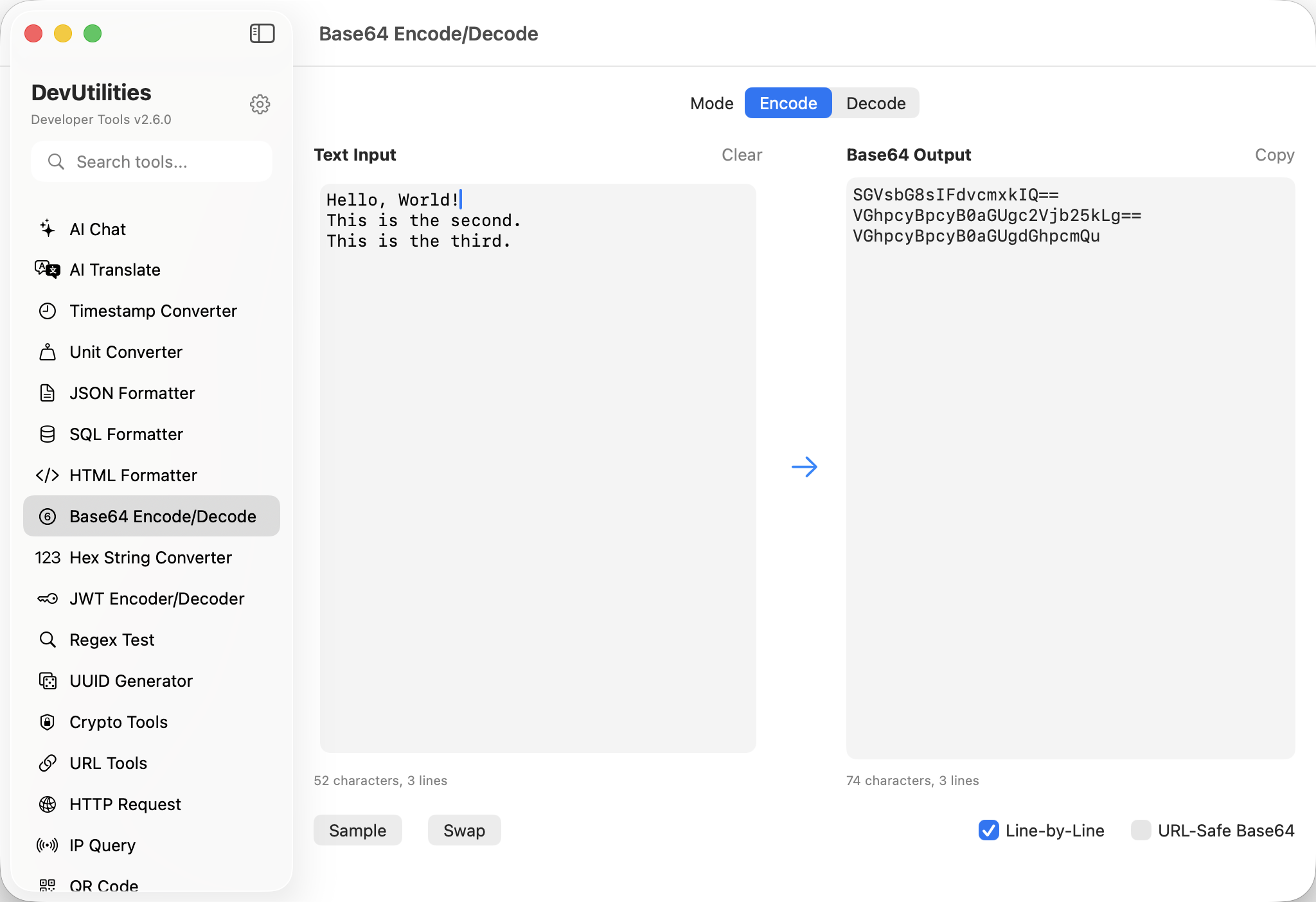
Six things it does well.
Encode and decode
Both directions in the same panel. Auto-detects which way you mean from the input shape.
URL-safe variant
Toggle to use -_ instead of +/. Padding is optional and stripped on output.
Tolerant input
Whitespace and line breaks are silently ignored. Paste from a multi-line wrap and it still works.
Real-time conversion
Type, see results immediately. Both panels update as you key.
One-click copy
Copy buttons on both sides. The clipboard gets the value alone.
State persistence
Last input and output stick across sessions.
Four moves between forms.
Paste
Drop encoded or decoded text into either field.
Pick a variant
Standard or URL-safe. The toggle is visible at all times.
Read the result
The opposite field updates immediately.
Copy
One-click copy on either side.
The work it actually does.
Basic auth headers
Encode user:password for an HTTP Basic header in one move.
JWT segments
Decode the URL-safe Base64 segments of a JWT to inspect headers and claims.
Inline binaries
Encode a small image or font for inline data URLs.
Decoding payloads
Decode the Base64-wrapped payloads some webhook services pass along.
MIME parts
Decode quoted-printable / Base64 mail body parts when debugging.
Round-tripping
Stash arbitrary text in a field that only allows ASCII, decode on retrieval.
Things people ask before they download.
What's the difference between standard and URL-safe Base64?
Standard uses + and /; URL-safe uses - and _ and often omits the trailing = padding. Both round-trip cleanly.
Do I need to specify direction?
No. The tool detects whether your input is encoded or decoded and routes accordingly.
Are line breaks ignored?
Yes. Whitespace and line breaks are silently stripped from encoded input.
Is padding required?
On output, yes — it's added when needed. On input, it's optional; the tool handles either form.
Does this handle binary?
Encoded text is text; decoding produces UTF-8 text by default. Genuine binary round-trips are best done with the Hex String tool.
Does this require network access?
No. Base64 is fully local.